Quick Start
1 Application Interface Overview
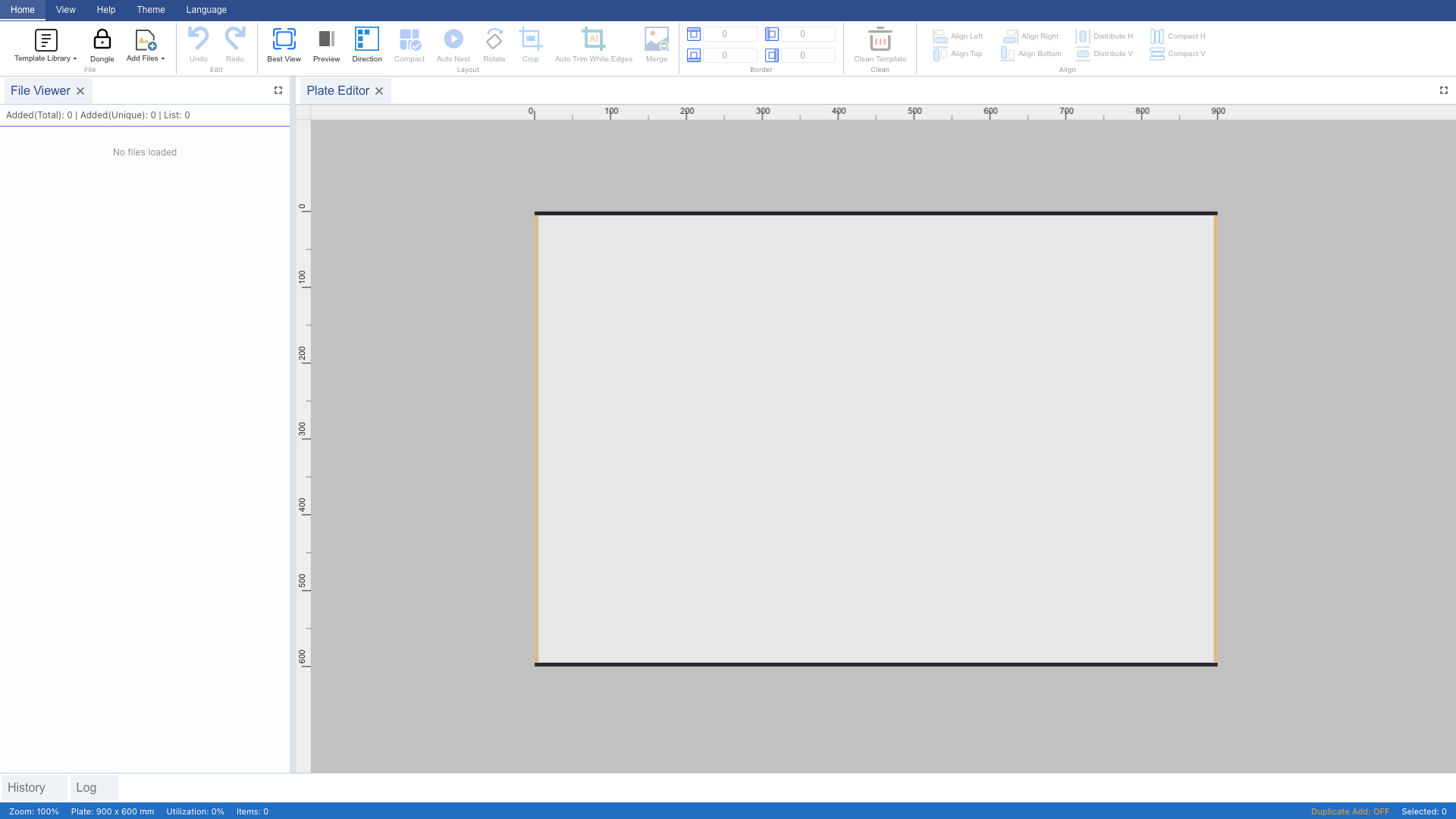
After launching Patchwork, the interface consists of a top Ribbon toolbar, a center plate canvas, and a bottom status bar. The "Home" tab is active with template library, file import, and export buttons.
2 Load Example Template
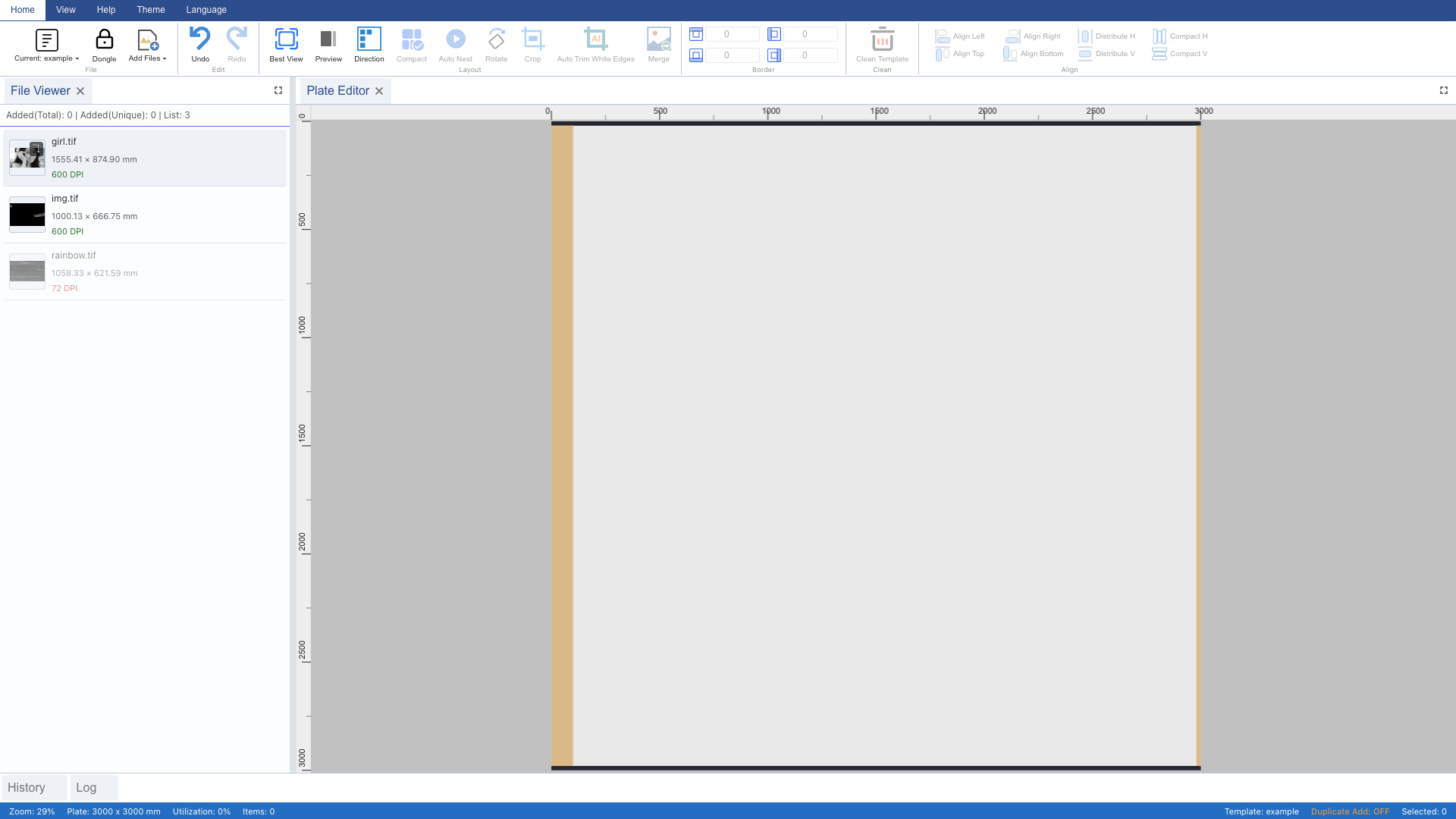
Click the "Template Library" dropdown on the Ribbon and select the "example" preset. The template sets plate size to 3000×3000mm, DPI to 600, and auto-imports images from the configured source directory.
3 View Imported Images
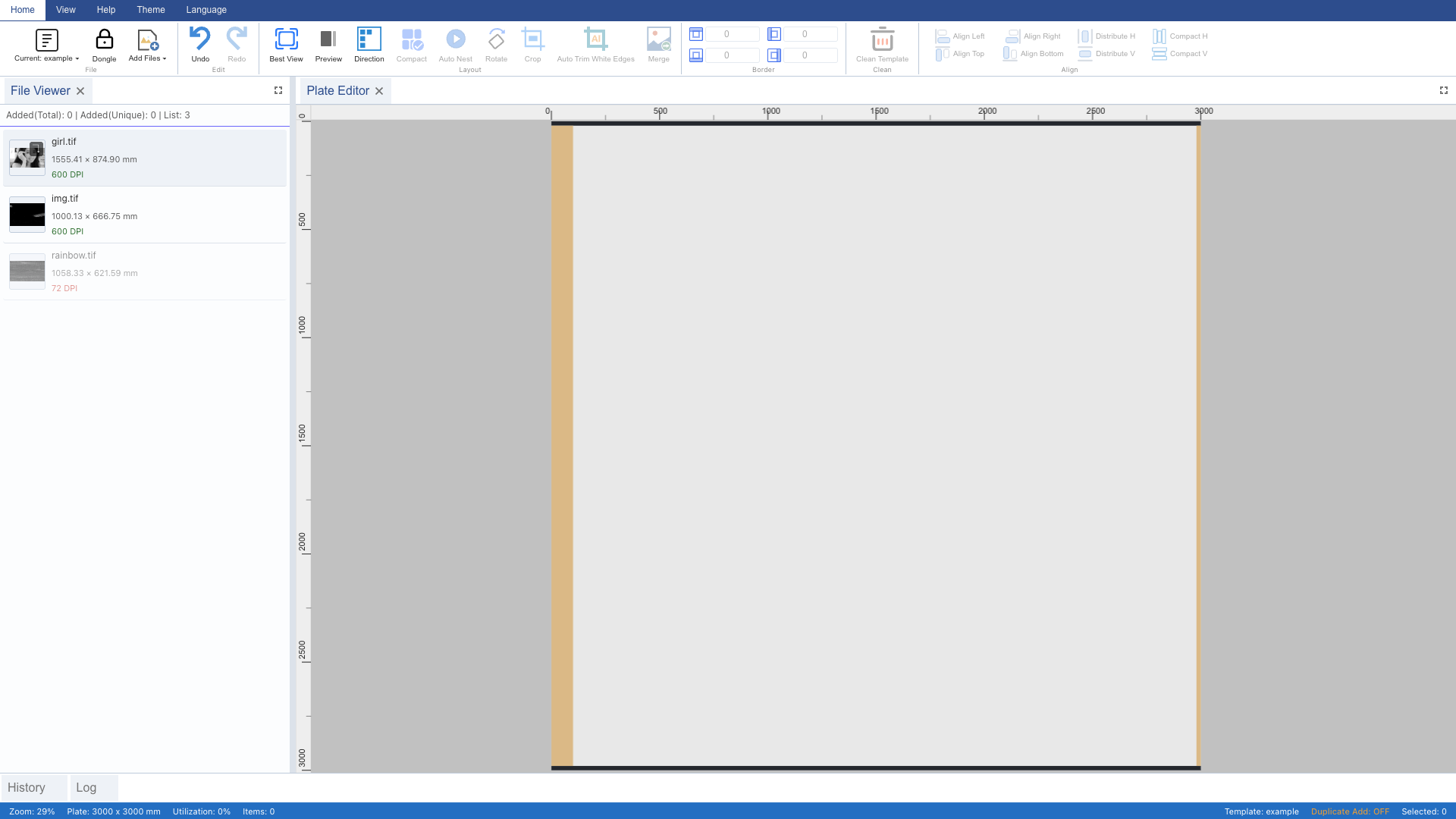
Switch to the "File List" panel to see 3 auto-imported TIFF images. Each shows a thumbnail, dimensions, and DPI. Two images have DPI 600 (green indicator, matching the template), one has a mismatch (red indicator).
4 Add Matching Images to Plate
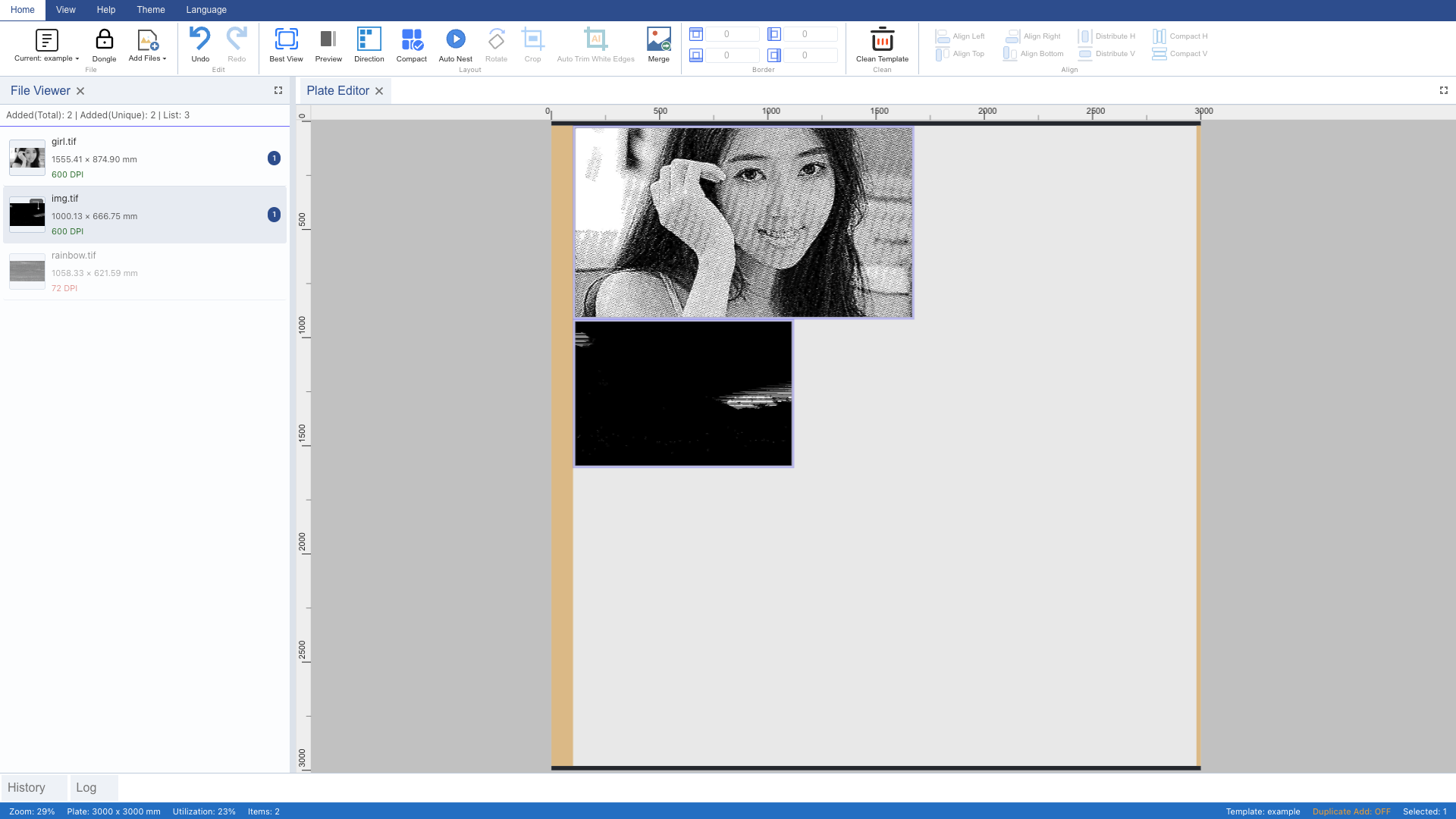
Double-click images with matching DPI in the file list to add them to the plate. Only images with DPI matching the template can be added. Here we successfully add 2 images.
5 DPI Mismatch Warning
When double-clicking an image with mismatched DPI, a warning appears: "Image DPI does not match plate DPI". The image is NOT added to the plate. This prevents mixing different resolutions.
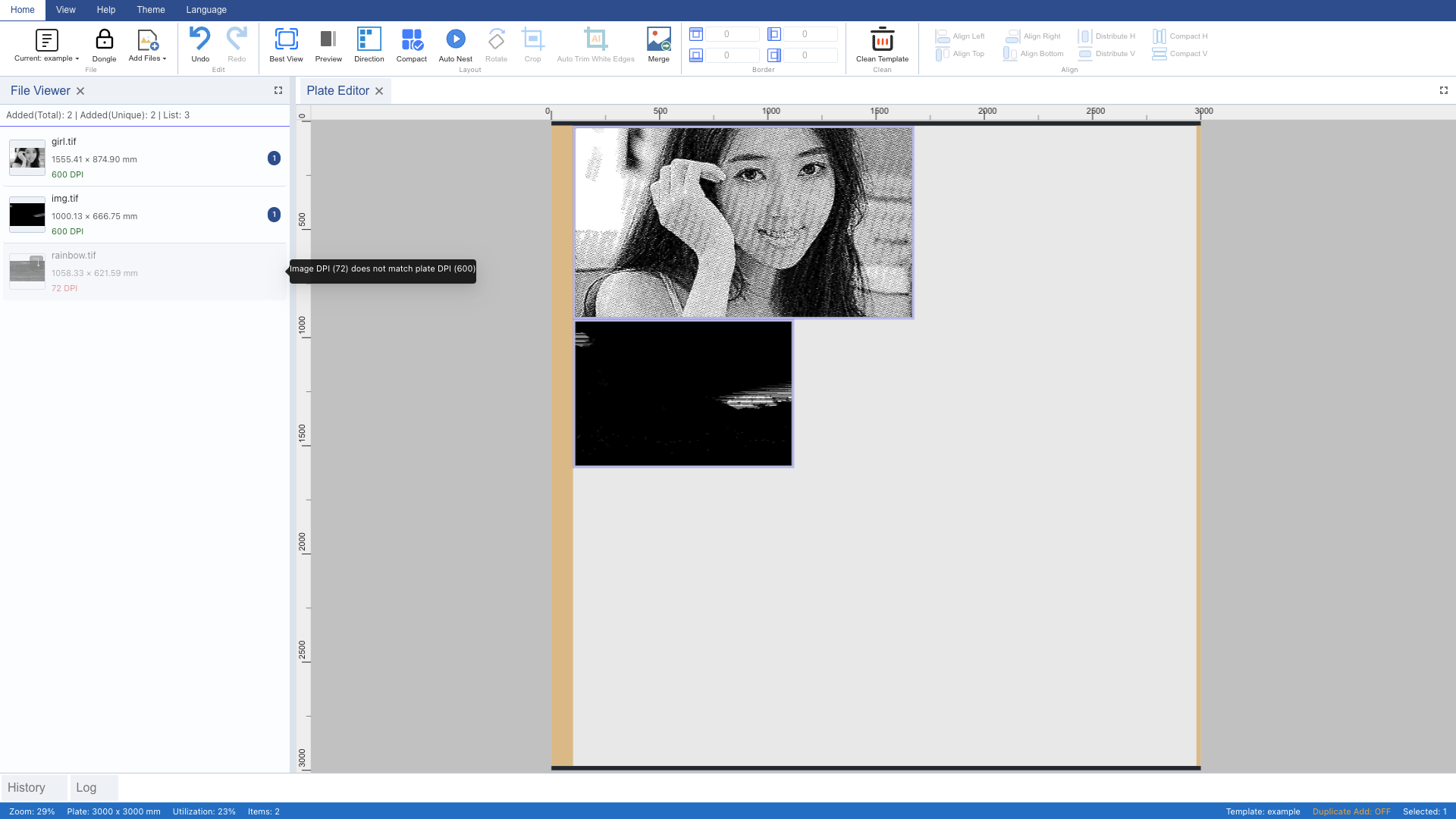
6 View Plate Layout
Switch to the "Plate" panel to see 2 images automatically placed on the 3000×3000mm plate. Each image has a 10mm margin gap.
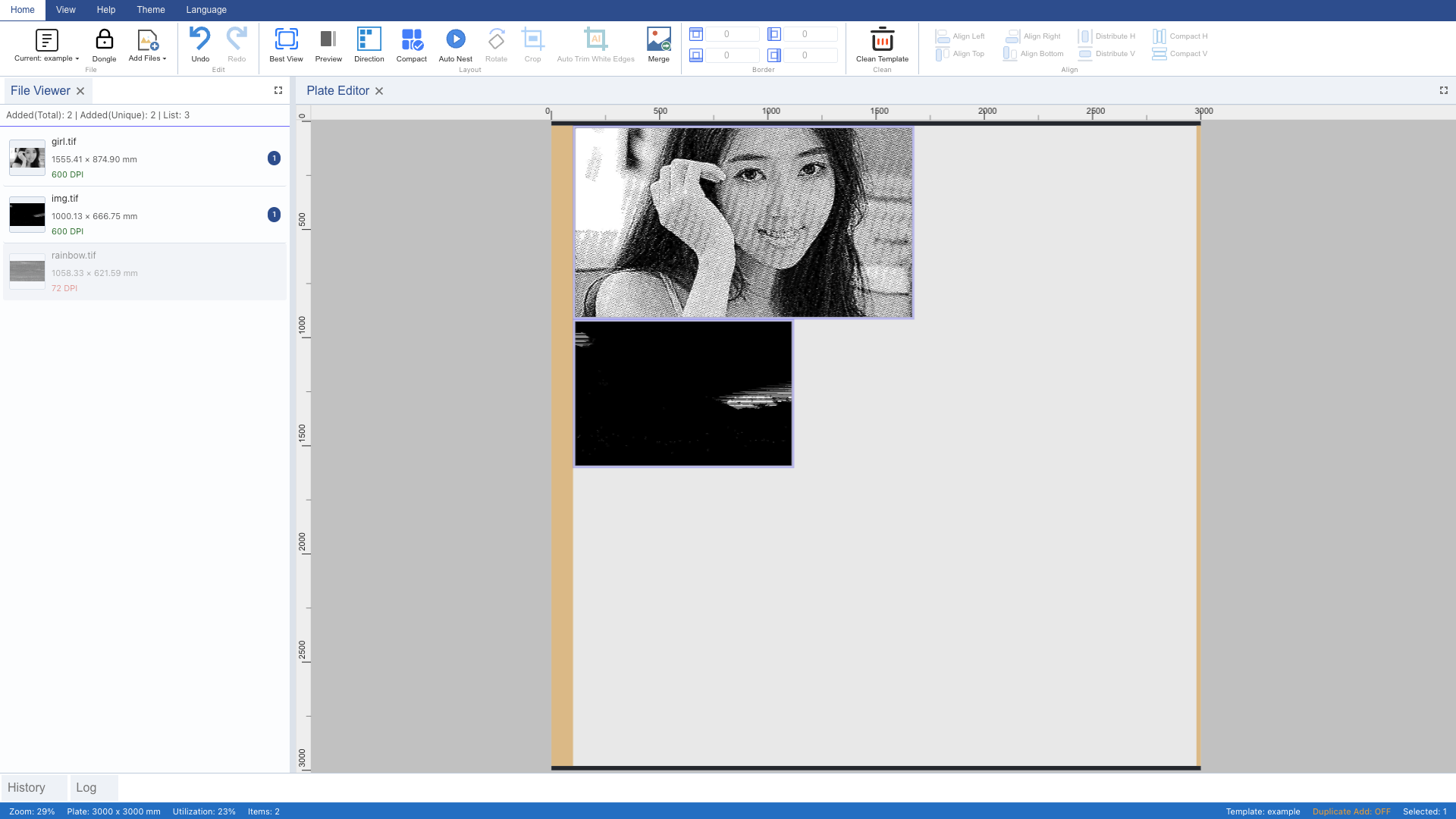
7 Best View
The plate auto-zooms to fit the window for the best overview. You can also press Ctrl+G to trigger it manually.
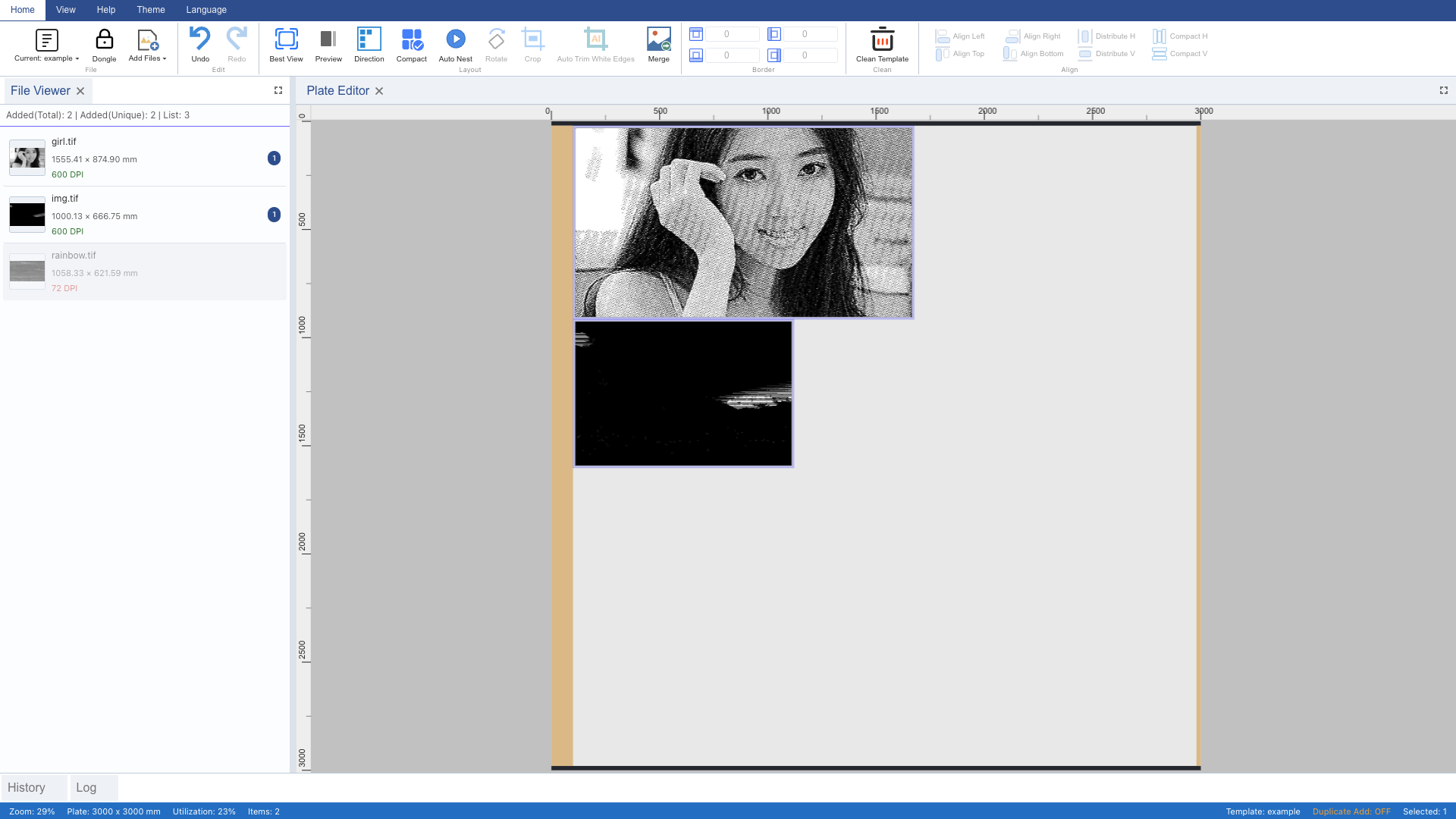
8 Open Export Dialog
Click the "Merge" button on the Ribbon (Ctrl+E) to open the TIFF export dialog. The dialog shows plate dimensions, image count, and DPI.
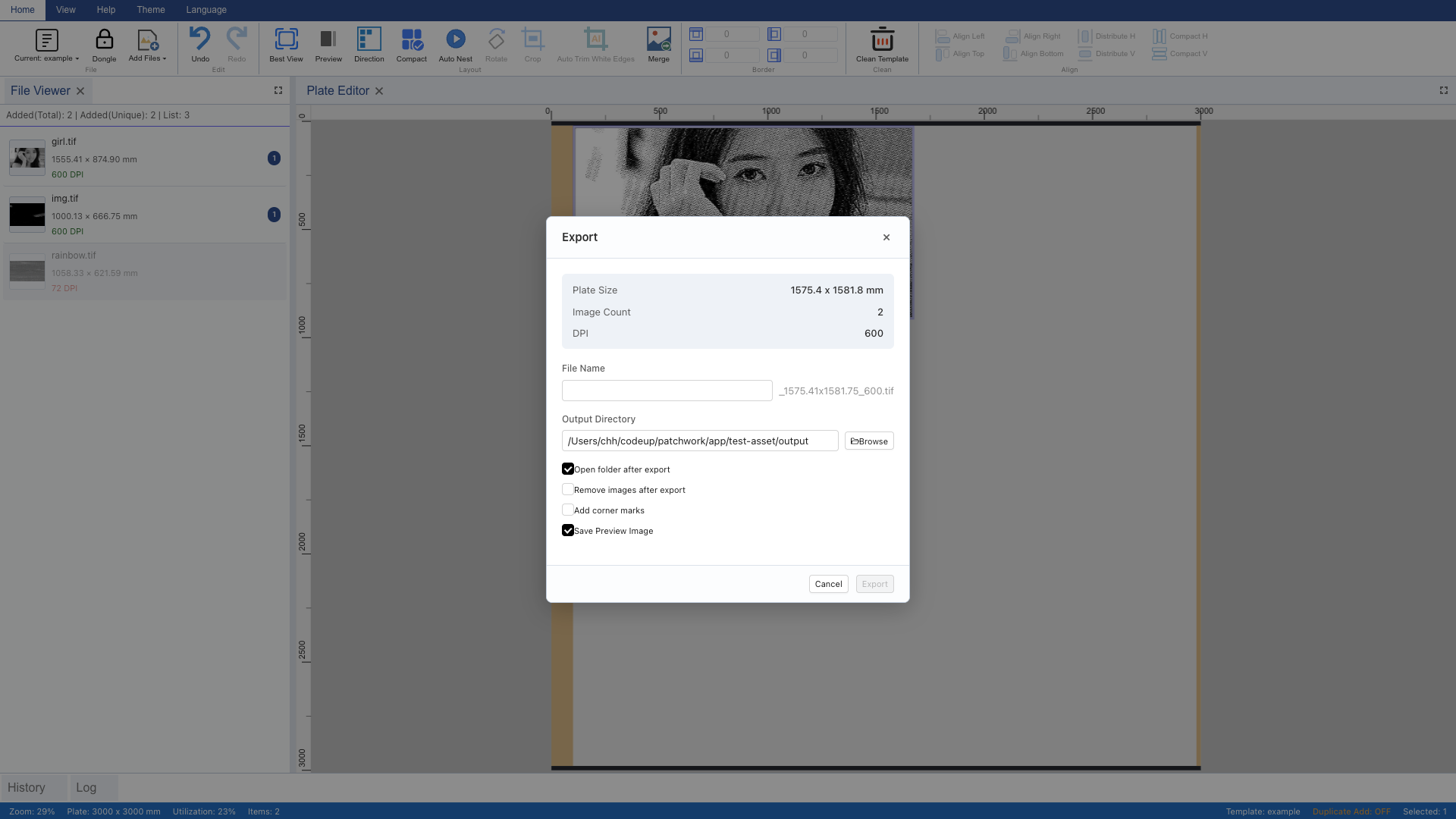
9 Set Filename and Export
Enter "output" as the filename in the export dialog. The output directory is auto-filled from the template config. Uncheck "Open folder after export", then click "Export" to start TIFF composition. After completion, click "Done" to close. This completes the full workflow.