Template Management
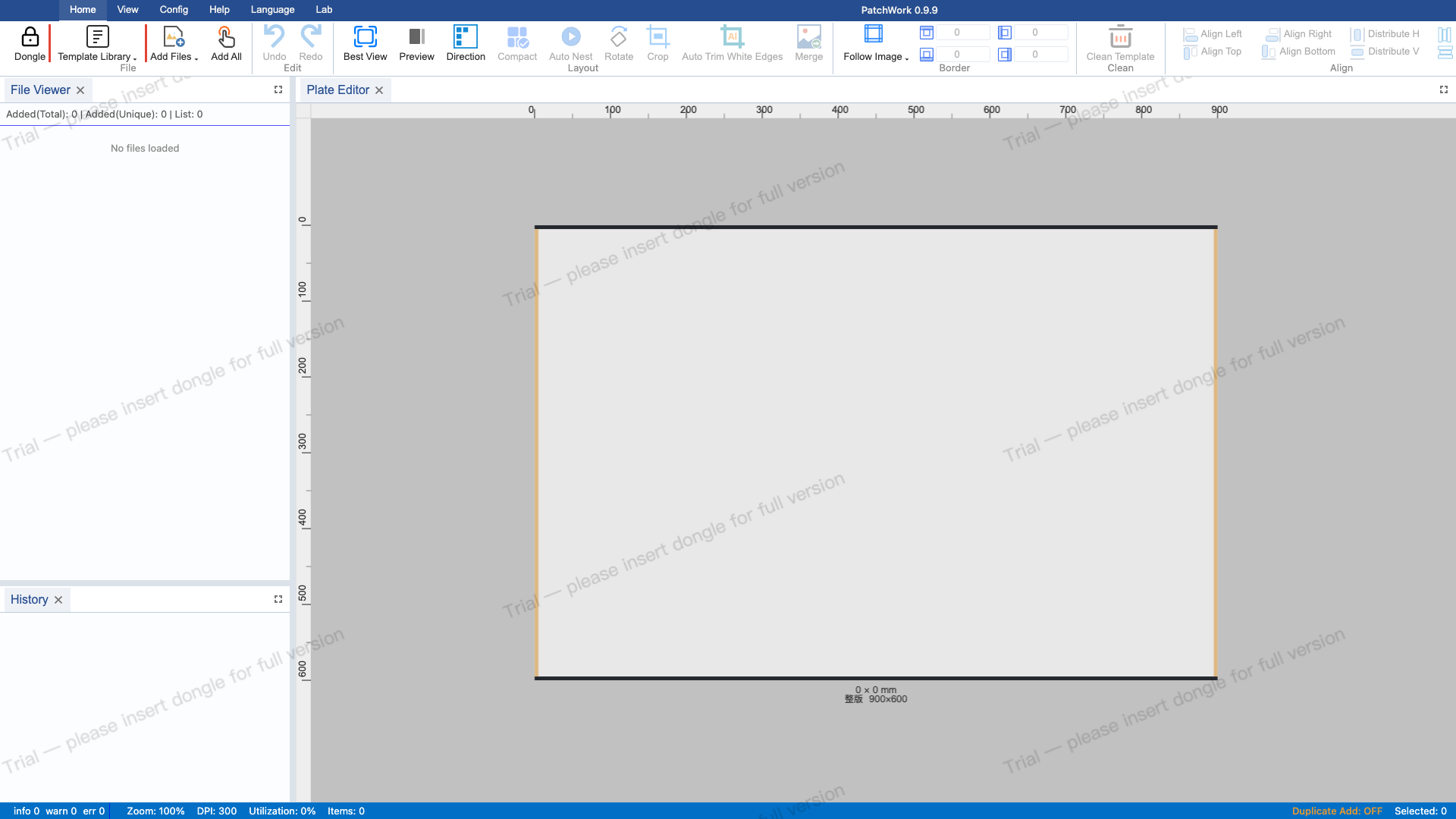
1 View Template Library
The template library area on the left of the Ribbon toolbar. The dropdown button shows the current template name. Templates define plate size, DPI, and margins.
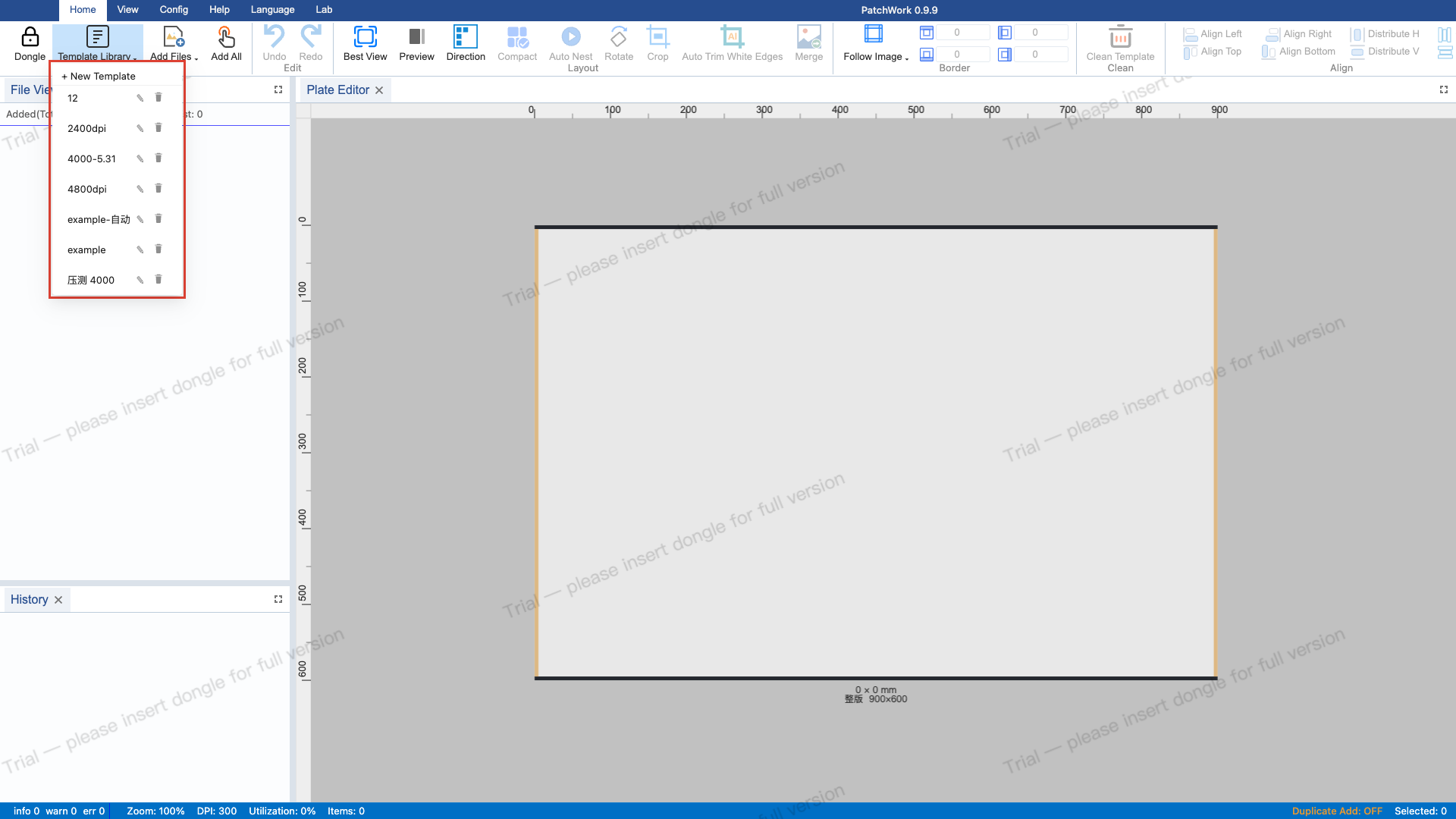
2 Open Template Dropdown
Click the dropdown button to expand the menu. Top item is "+ New Template", followed by existing templates with edit/delete buttons.
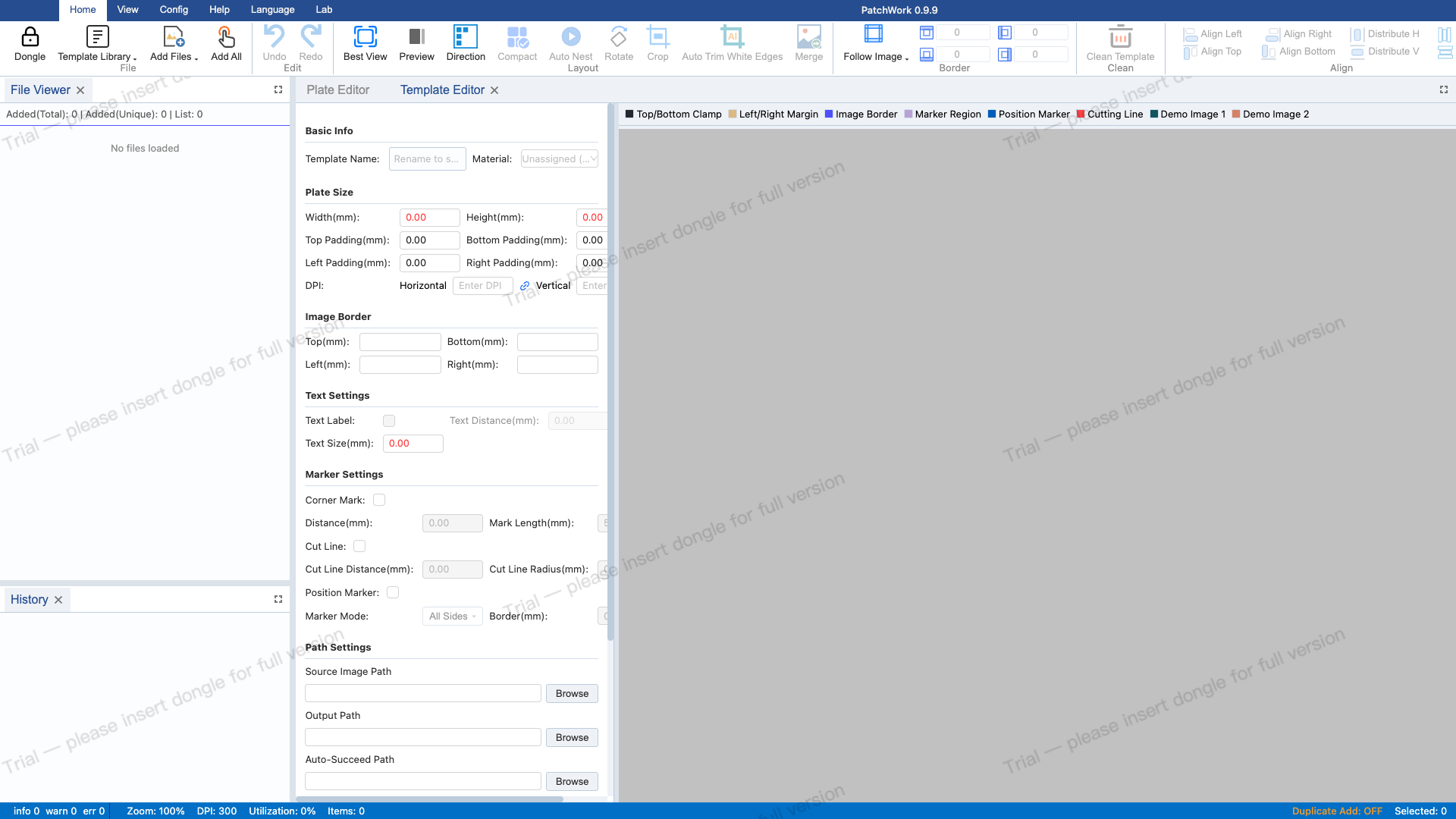
3 Create New Template
Click "+ New Template" to open the template editor with all configurable items.
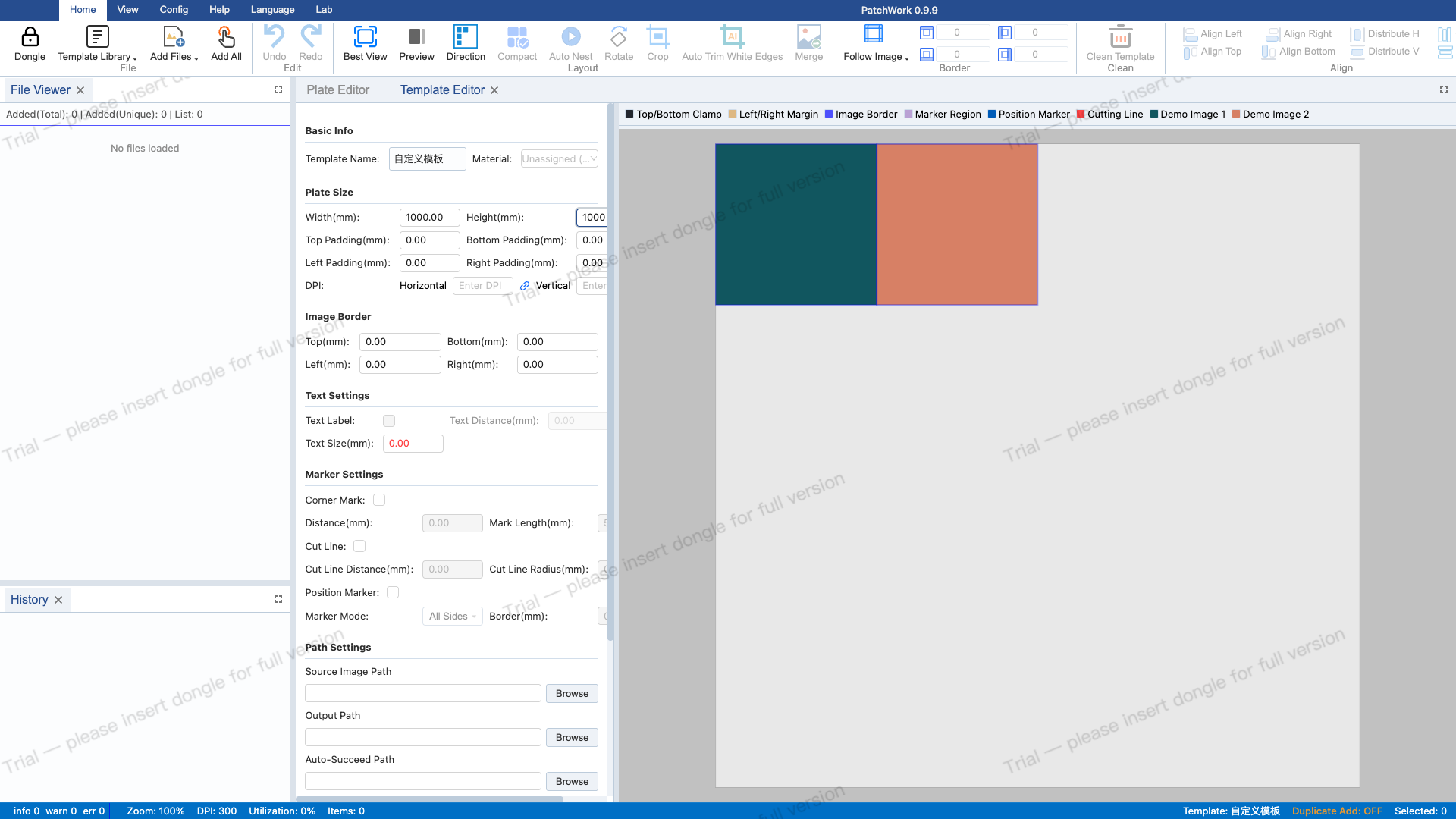
4 Fill Template Parameters
Set name to "自定义模板", width 1000mm, height 1000mm, DPI 600, image margin 10mm.

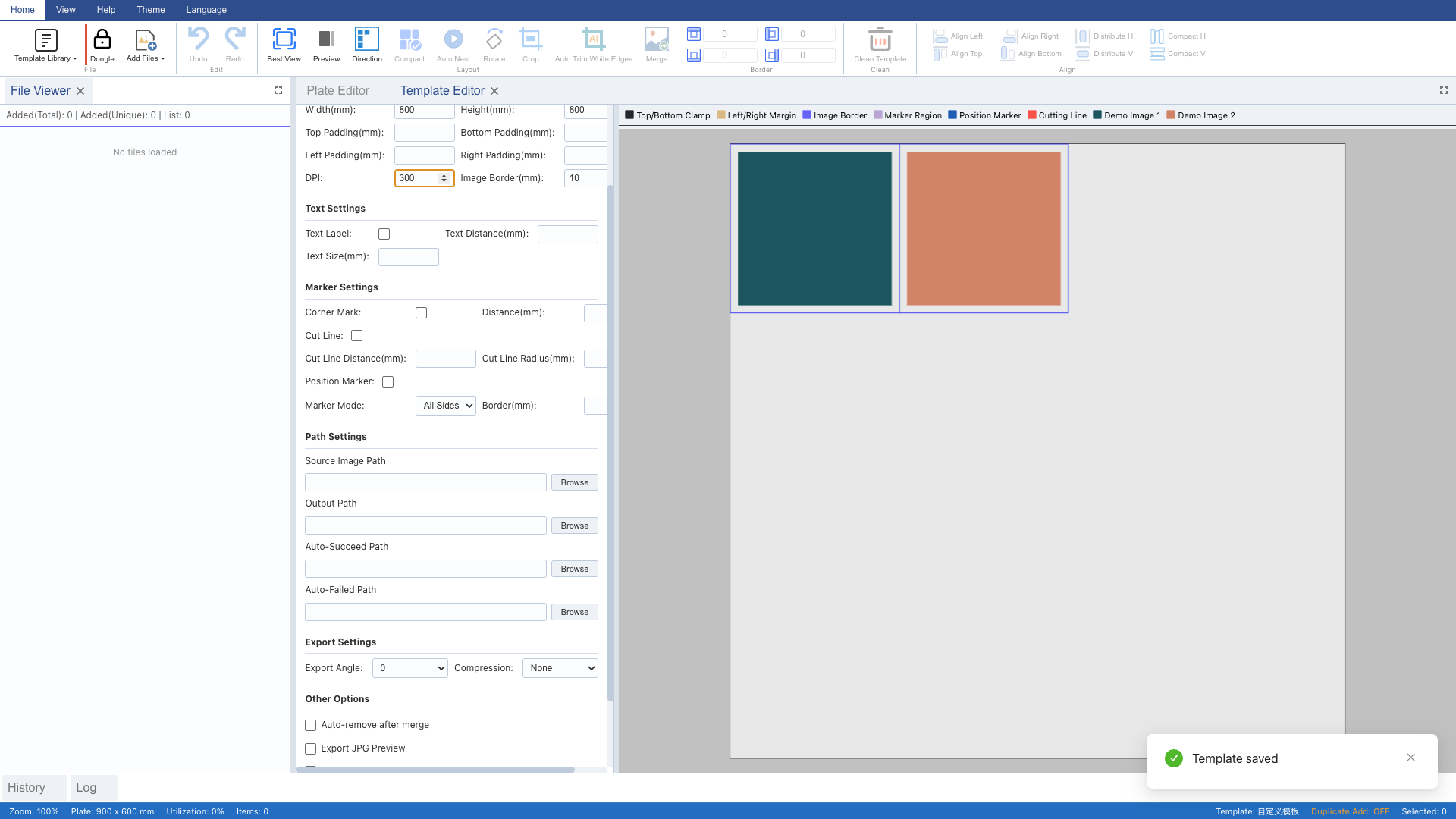
6 Modify Template Parameters
Change width to 800mm, height to 800mm, DPI to 300 to demonstrate template editing.
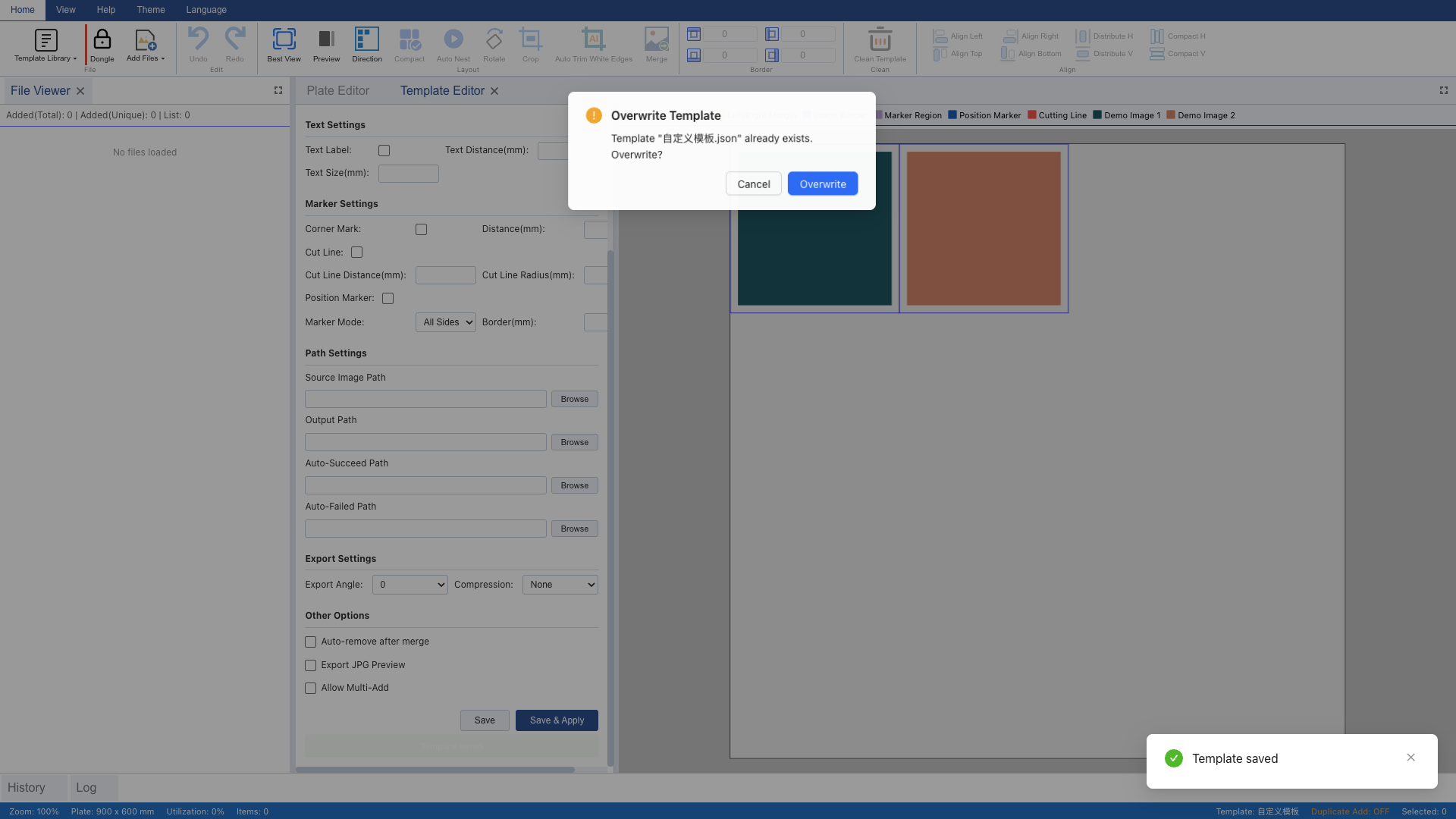
8 Rename to Copy Template
Change the name to "example-copy" and click "Save". A new independent template file is created.
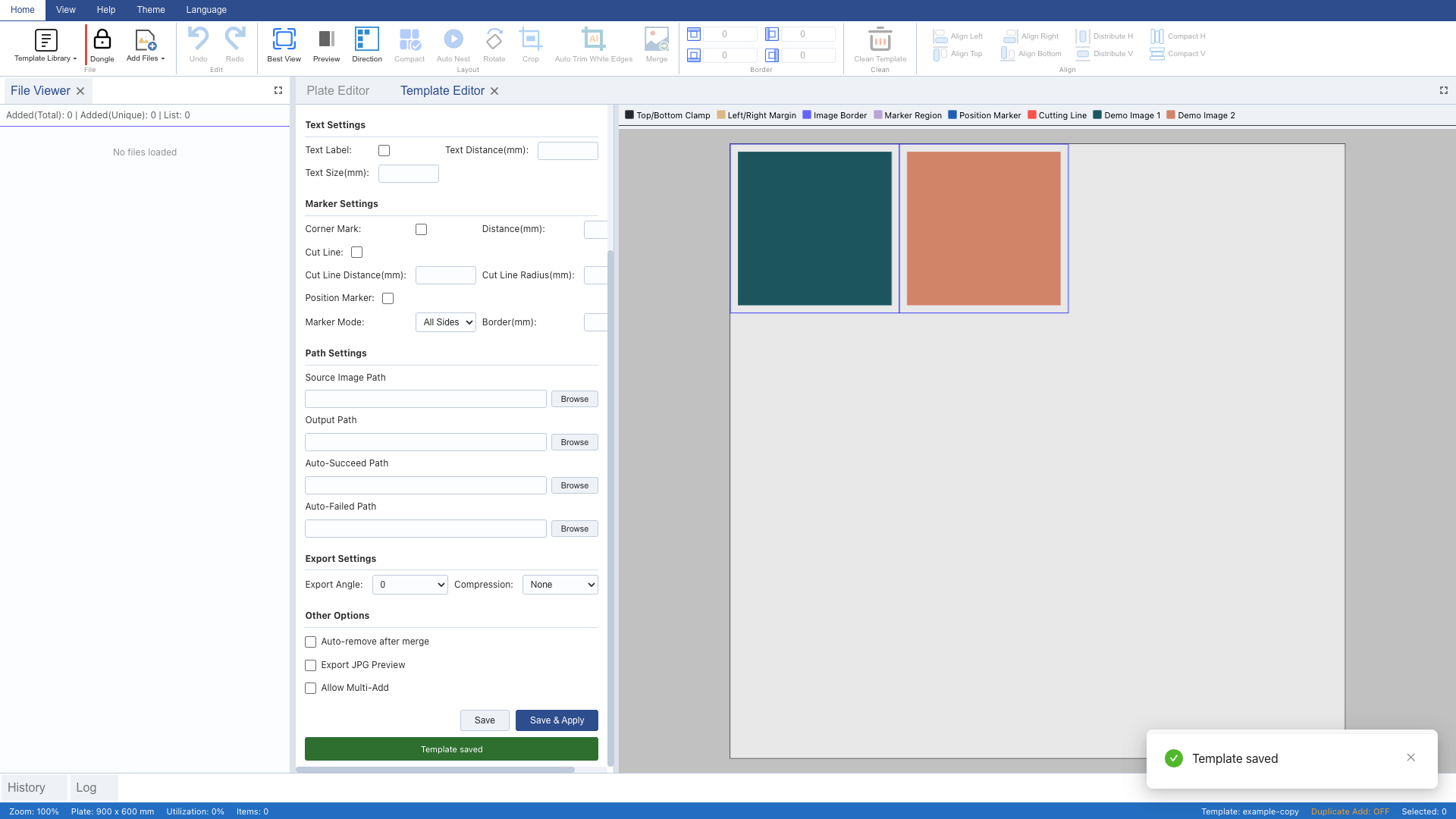
9 Verify Template List
Open the template dropdown and confirm multiple templates. CRUD demo complete.

📥 [Download Complete Guide PDF](/manual-en.pdf)